
How to Change or Reset iCloud Password

Forgetting your iCloud password is a common issue faced by many iOS users. It's not surprising, as we often change our passwords regularly. This article will provide guidance on how to recover or reset a forgotten iCloud password.
Recovering Your iCloud Password through Email Authentication
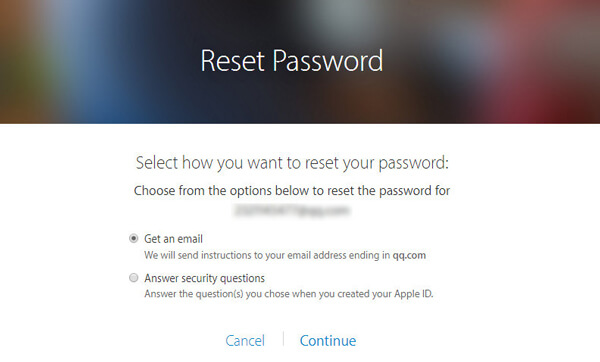
On the "Reset Password" page, two options will be presented. To proceed, select "Get an Email" and then click "Continue."
Recovering Your iCloud Password by Answering Security Questions
You can reset your iCloud password by correctly answering the security questions you previously set when creating your Apple ID.
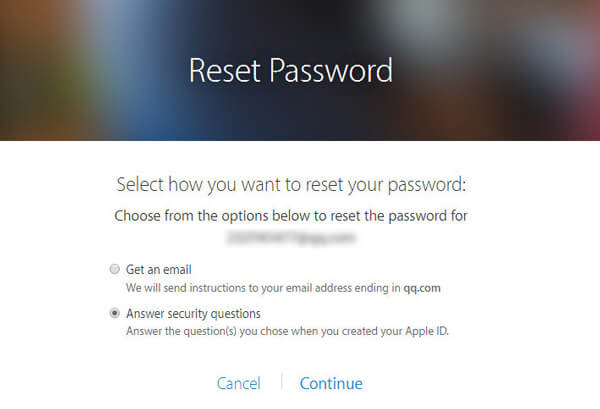
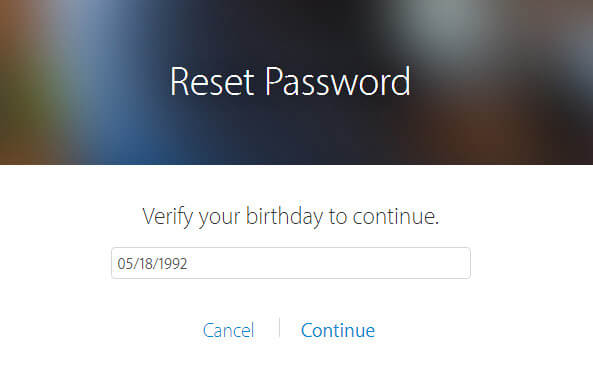
Enter your birthdate and then click "Continue." After that, answer the security questions.
You can then reset your iCloud password.
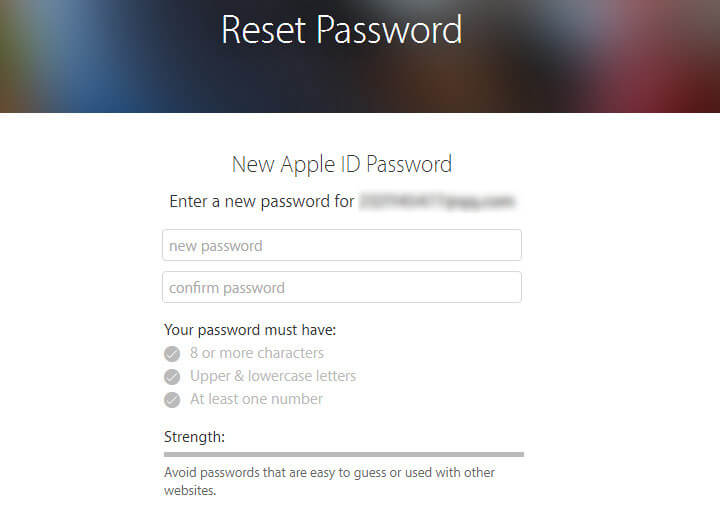
Reset the iCloud password using two-step verification
Many individuals opt for this recovery method to enhance the security of their accounts and decrease the risk of hacking. If you have previously enabled two-step verification for your iOS device, the process of recovering a forgotten iCloud password becomes unique. However, during the verification process, it is crucial to recall the proper recovery key supplied by Apple to reset your iCloud account password. It is also important to use a trustworthy Apple device for this iCloud password recovery.
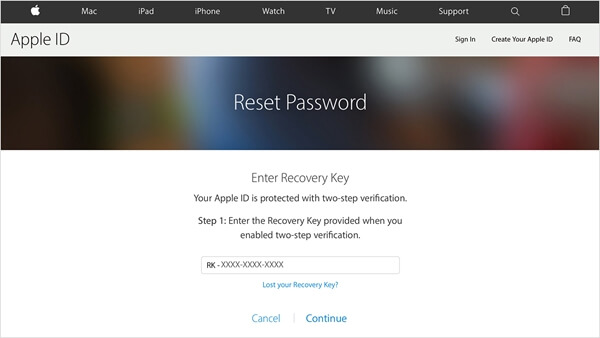
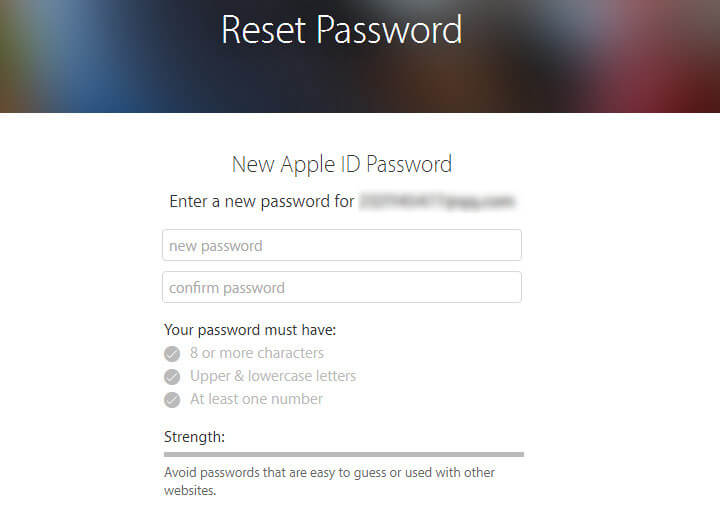
Once you have received the code, enter it and set a new password.
