
Beginner's Guide to Discord

Discord has emerged as the top choice for gamers for communication through its features like text, voice/video calls and screen sharing. Moreover, it's free to use. To maximize your Discord experience, here are some tips on utilizing it effectively, ensuring security and streamlining communication.
Get Involved in Discord Servers
Discord offers the option to either create or join servers, which are community spaces or group hangouts that can be accessed for free.
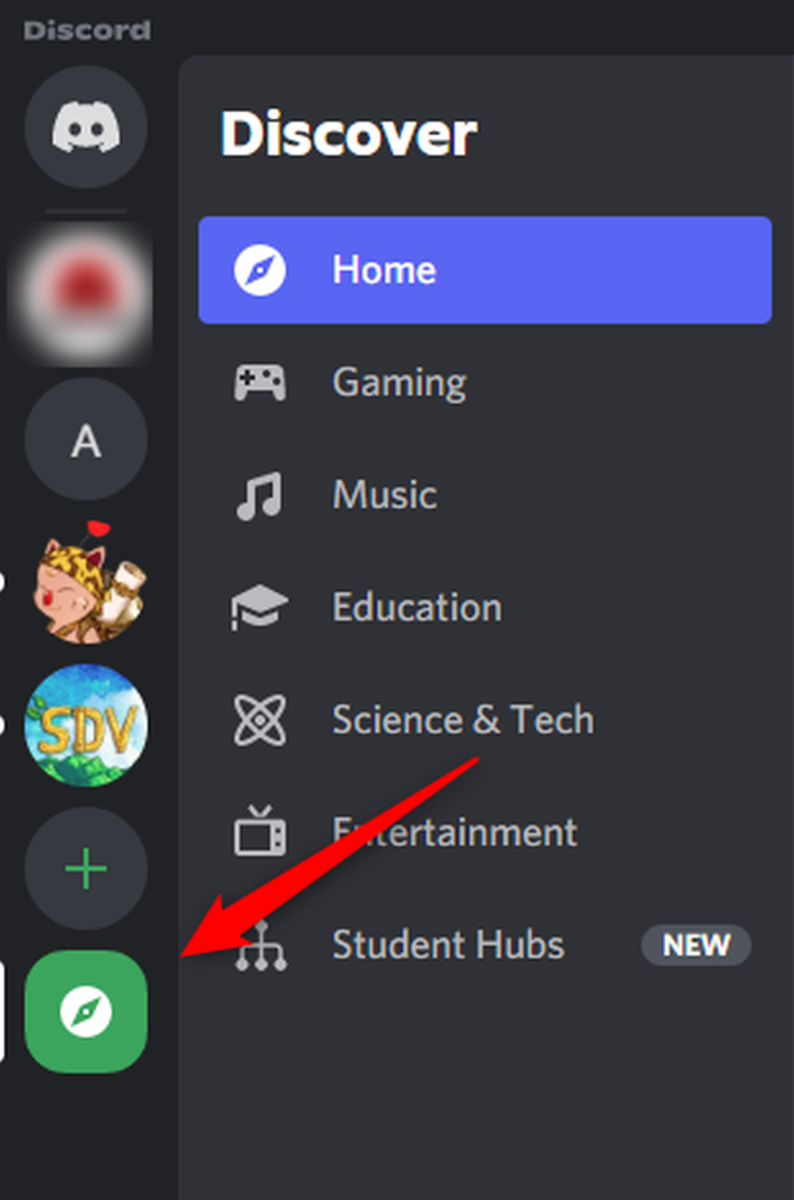
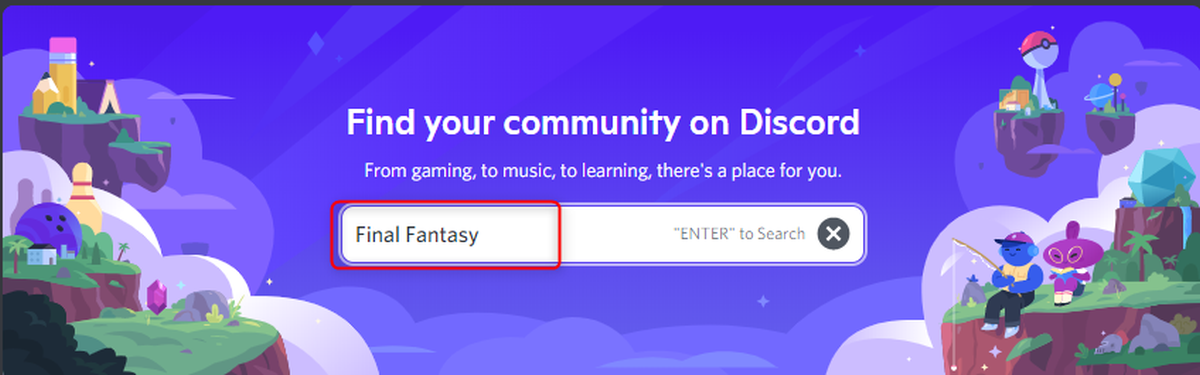
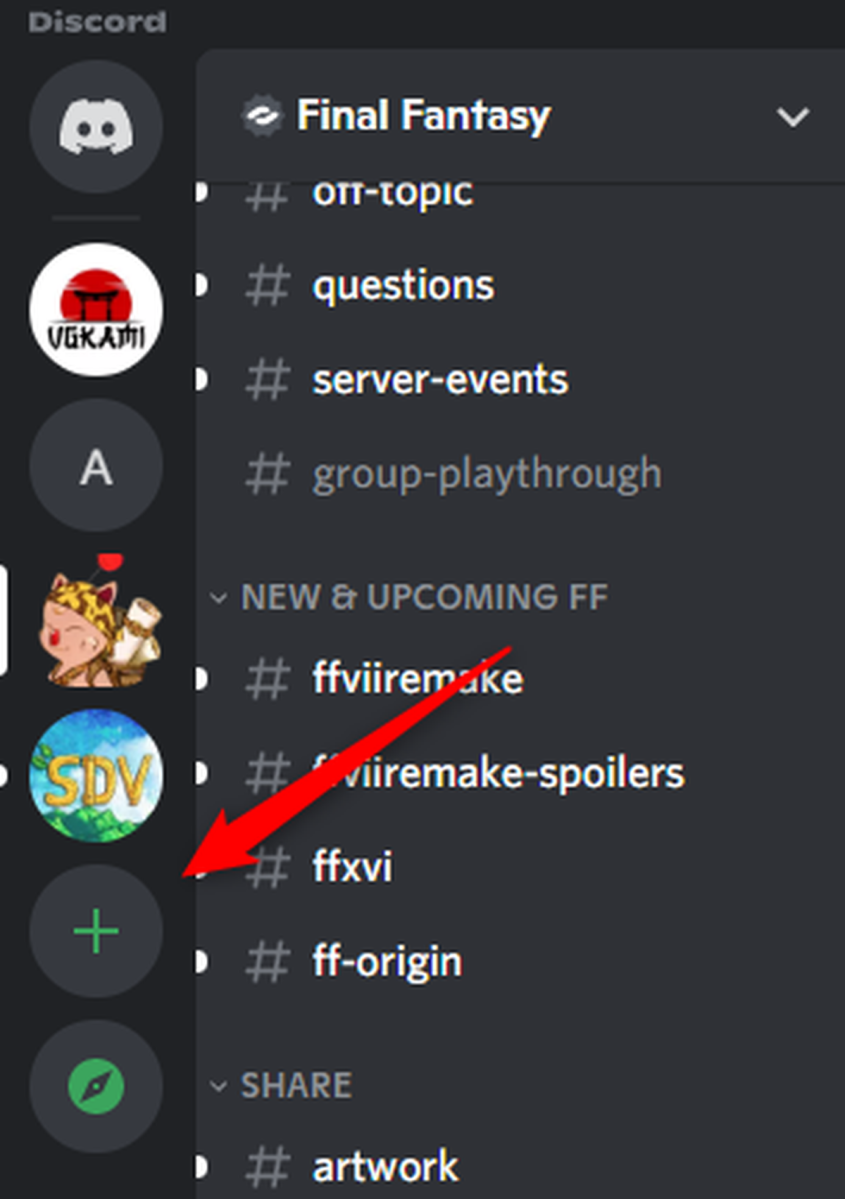
To join a server, you can either search for it within the Discord app or use a direct link if available. For instance, PCWorld has its Full Nerd Podcast Discord server. To find a Discord group, open the Discord app on either your desktop or mobile device and navigate to the "Explore Public Servers" option in the left-hand panel.

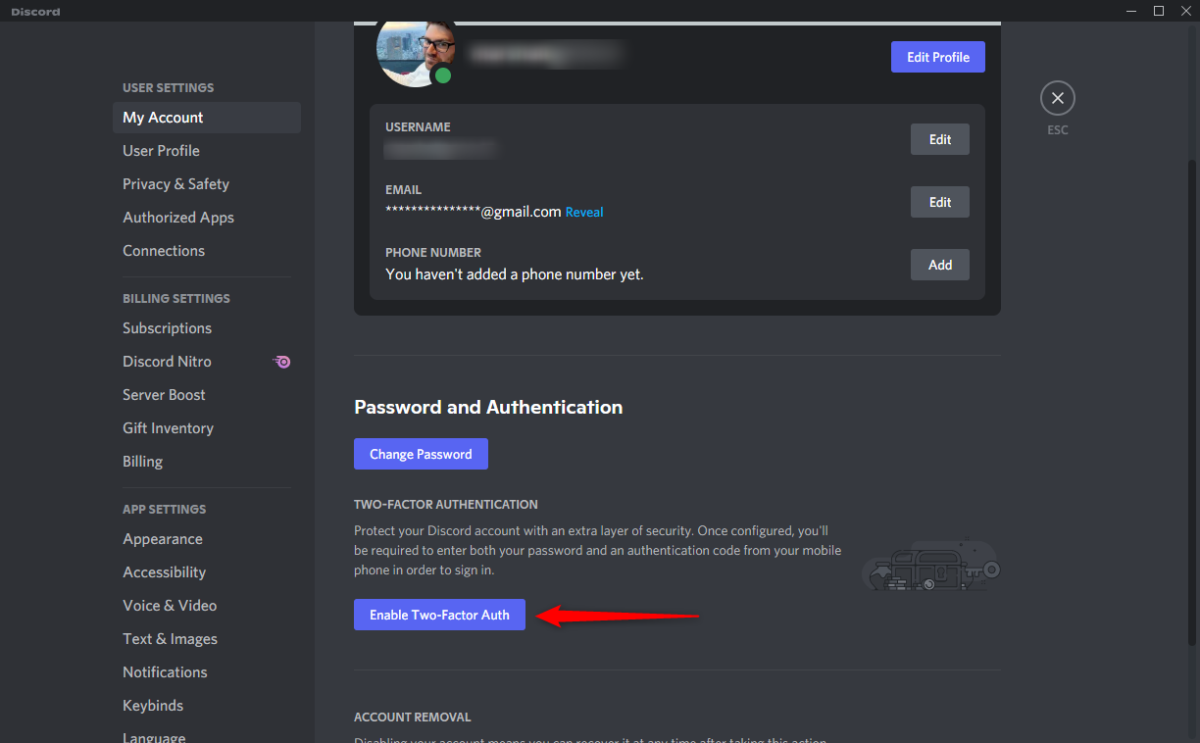
Enhance security with the use of two-factor authentication (2FA)
Manage Discord Notifications
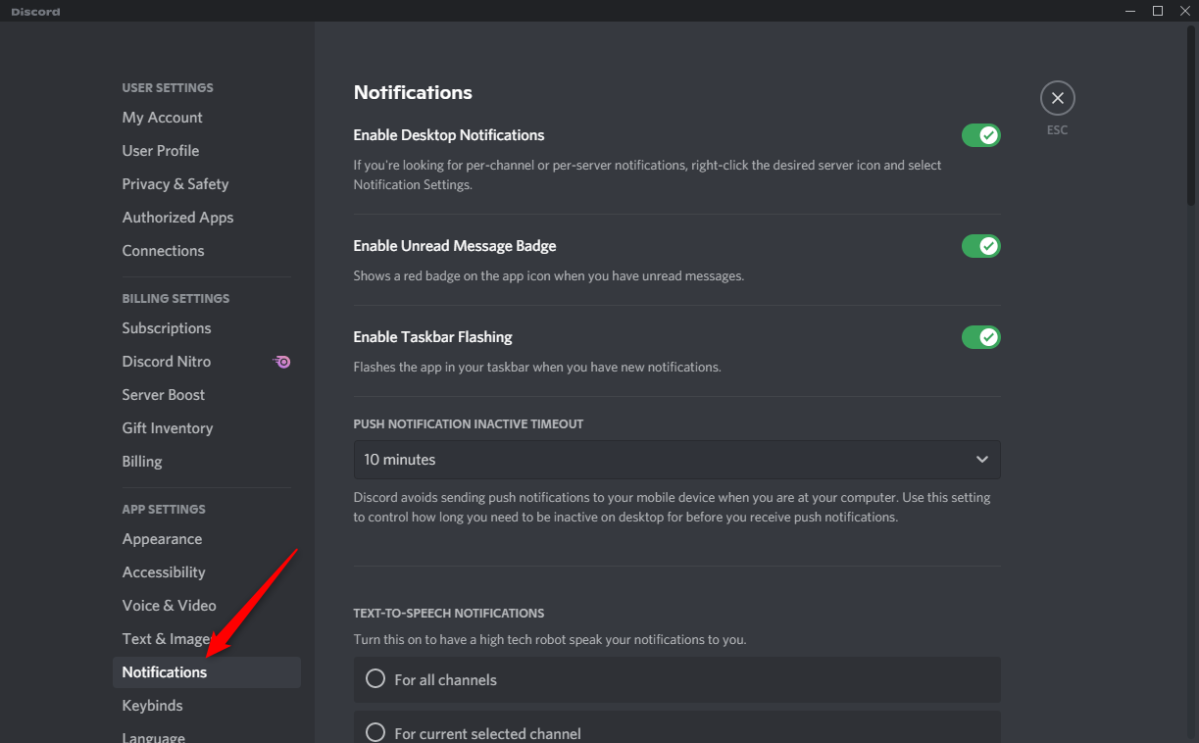
From this section, you can customize the types of notifications to receive and turn on/off the sound for each type. Having control over the timing and method of receiving notifications helps maintain a productive environment, as an excessive number of notifications can be overwhelming.
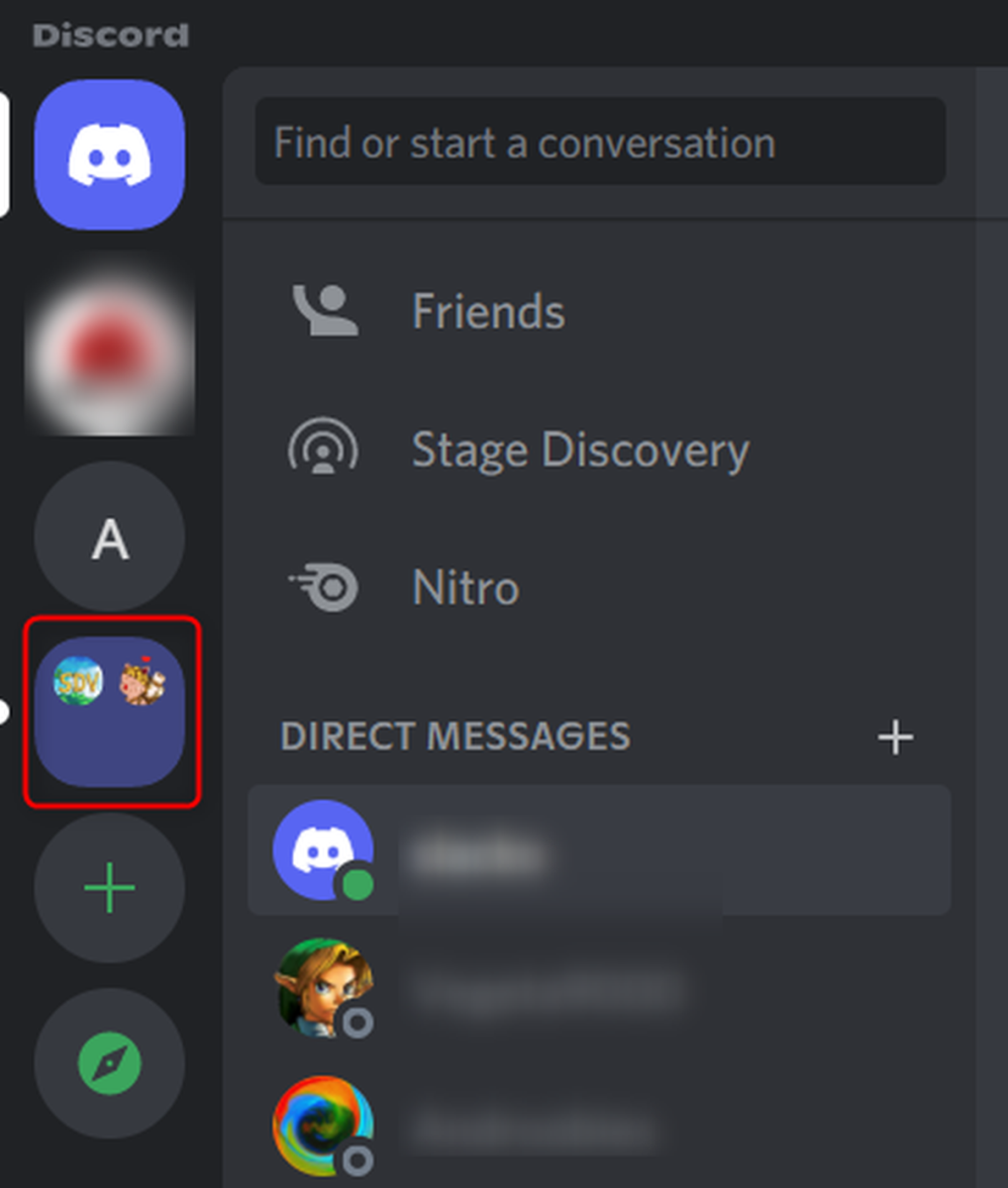
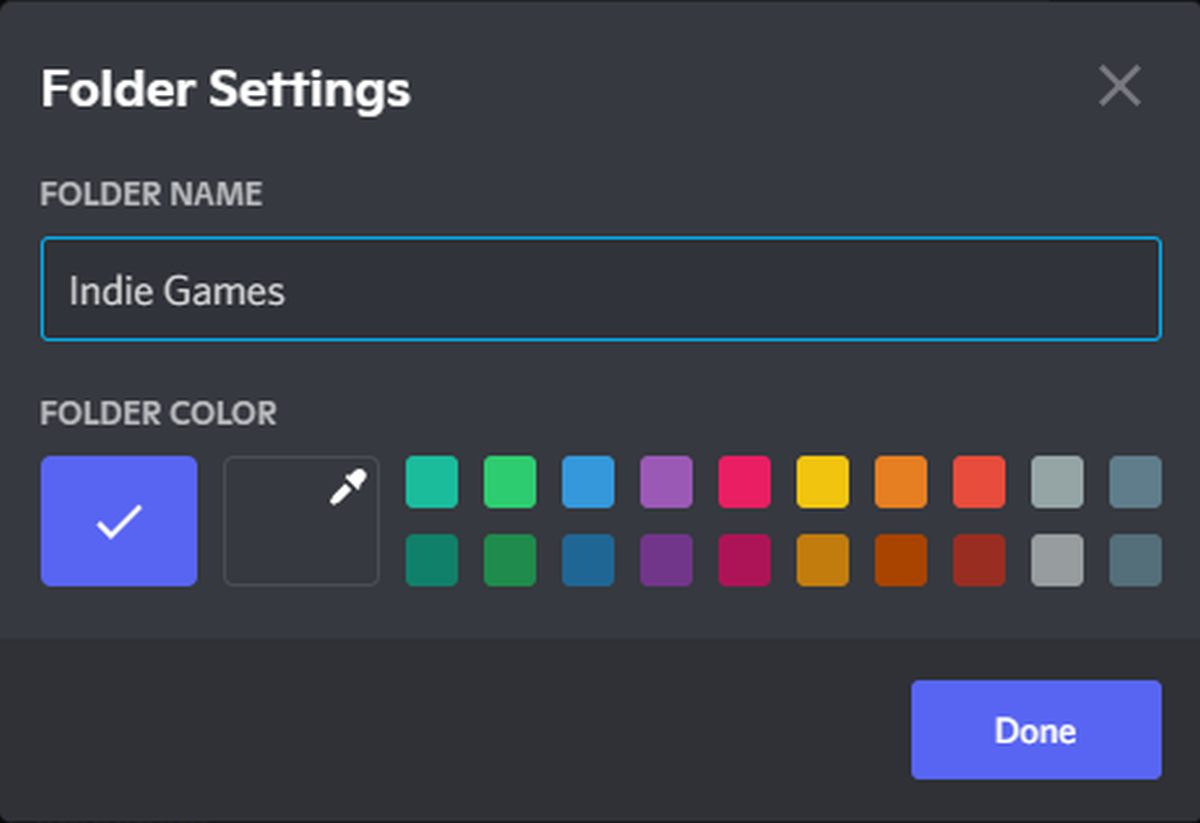
Organize with Server Folders
Preserve your Friendships by Utilizing Spoiler Tags
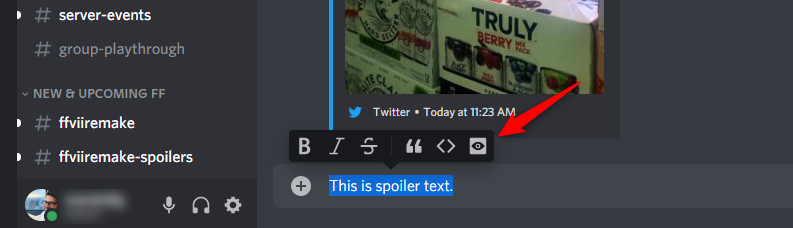
Avoid being the source of frustration by not revealing important plot points to others. Remember, spoilers never lose their impact, regardless of the age of the game or movie. Utilize the spoiler tag feature on Discord by highlighting the text and clicking the Spoiler button (represented by the eye icon).
Organize with Server Folders
Markdown
Are you a fan of Markdown, a plain text markup language for formatting text? Good news, Discord supports it!
For those familiar with Markdown, no introduction is necessary. For those new to Markdown, here's a quick rundown of the basic syntax:
- Bold:
**text** - Underline:
__text__ - Italics:
*text*or_text_ Strikethrough:~~text~~Single-line code block:`text`Multi-line code block:```text```Block quotes:> text(put a space between>and text)Hyperlink:[link text here](https://url-here.com)Spoiler tag:||text||
You can even combine formatting if desired. For example, to bold and underline, use __**text**__.
